The thing that kept eating my Fridays
Every Friday afternoon, for about a year, I had the same little ritual. A contract would come in as three files — the main agreement in Word, a pricing annex in Excel, and a partner’s terms sheet as a PDF — and I’d have to hand them off as one clean PDF. Nothing hard about it. Open Word, export to PDF. Open Excel, export to PDF. Open some free PDF-merger app, drag three files in, check the order, save.
It took maybe eight minutes. Multiply that by fifteen contracts a week and you’ve lost two hours to moving a mouse. Worse, every few weeks someone shipped a binder with the annex on page one because the filenames sorted alphabetically in the merger app.
If this sounds familiar, the rest of this post is the afternoon I finally replaced the ritual with code.
The real cost isn’t the time — it’s the one contract in fifty where the pages land in the wrong order and nobody notices until the client signs the wrong version.
What I actually wanted
Not “a fancy document pipeline.” Just three things:
- Give a method a list of files (any mix of DOCX, XLSX, PDF) and get one PDF back.
- Point the same logic at a folder and let it figure out the file list on its own.
- Pull out a page range from the finished binder without redoing the whole merge.
That’s the whole job. If the library can’t do those three cleanly, I don’t want to know about it.
Setup
- .NET 6.0 or later
- GroupDocs.Merger for .NET 24.10+ (grab a temporary license so you don’t ship the eval watermark)
- A folder with whatever mix of documents you’d normally hand-merge
dotnet add package GroupDocs.Merger
That’s it for dependencies. No external converter, no headless Office install, no PDF-manipulation library on top.
Step 1 — Let a folder be the input
I always start here because it’s the realistic entry point. In practice, something else (an upload handler, an email-ingest job, a nightly dump from finance) lands a bunch of files in a directory, and my code has to deal with whatever it finds.
// Pick up every supported file in the drop folder; the PDF wins
// the tie-break for position 0 so the merger keeps the output
// as a PDF regardless of how files are named.
string[] extensions = { ".pdf", ".docx", ".xlsx" };
var files = Directory.EnumerateFiles(folderPath)
    .Where(f => extensions.Contains(Path.GetExtension(f).ToLowerInvariant()))
    .OrderBy(f => Path.GetExtension(f).ToLowerInvariant() == ".pdf" ? 0 : 1)
    .ThenBy(f => f)
    .ToArray();

if (files.Length == 0)
    throw new InvalidOperationException(
        $"No supported documents found in '{folderPath}'.");
The OrderBy trick is the interesting bit. GroupDocs.Merger picks its output format from whichever file you open first — if I hand it a DOCX as the primary document, I get a DOCX out. Since my pipeline always wants a PDF out, I make sure any existing PDF in the folder gets position 0.
Two things worth mentioning:
ToLowerInvariant()because a partner will one day send youREPORT.PDFand your lowercase-only filter will silently drop it.- The
ThenBy(f)is there only to make the output deterministic. Without it, two runs on the same folder can differ by filesystem mood.
Step 2 — The merge itself
Once I have an ordered list of paths, the merge is shorter than the description of the merge.
Console.WriteLine($"Primary source: {sourcePaths[0]}");
using var merger = new Merger(sourcePaths[0]);

var joinOptions = new JoinOptions();
for (int i = 1; i < sourcePaths.Length; i++)
{
    Console.WriteLine($"Joining: {sourcePaths[i]}");
    merger.Join(sourcePaths[i], joinOptions);
}

merger.Save(outputPath);
Console.WriteLine($"Unified PDF binder saved to: {Path.GetFullPath(outputPath)}");
A few notes from using this in anger:
- The
usingmatters.Mergerholds file handles on the sources; forget to dispose it and your drop-folder worker will eventually fail to delete its own inputs. JoinOptionsis empty here because the defaults are what I want 95% of the time. When you do need it, that’s where page ranges, rotation, and insert positions live.- When Excel goes into the binder, the sheet-to-page layout is decided by the source workbook’s print area. If your XLSX ends up on 38 pages and you wanted three, the fix is in the spreadsheet, not in
JoinOptions.
One sanity check I always add right after the save:
using var verify = new Merger(outputPath);
Console.WriteLine($"Result pages: {verify.GetDocumentInfo().PageCount}");
Two seconds of code that has caught more “silently dropped annex” bugs than any test I’ve written.
Step 3 — Extract a slice later
The follow-up request I get every single time: “Can you just send me the cover page?” or “Client only wants the signatures.” Rebuilding the whole binder to hand over two pages is silly — extract does it directly.
using var merger = new Merger(binderPath);
merger.ExtractPages(new ExtractOptions(pages));
merger.Save(outputPath);
Console.WriteLine($"Extracted pages [{string.Join(",", pages)}] to " +
    Path.GetFullPath(outputPath));
pages is a int[] of 1-based page numbers you want to keep. Everything else gets dropped. It’s fast because the result is already a PDF — no conversion round-trip.
Before vs. after, honestly
| What I used to do | With Merger.Join |
|
|---|---|---|
| Per-contract time | 5–10 minutes of clicking | under 30 seconds end-to-end |
| Typical failure | Pages in the wrong order, nobody notices | Whatever order the file list says, repeatably |
| Scaling to 100/day | Doesn’t — you hire a person | One worker, bored most of the time |
| Code you maintain | A Confluence page titled “Binder Process v4” | One class, ~70 lines |
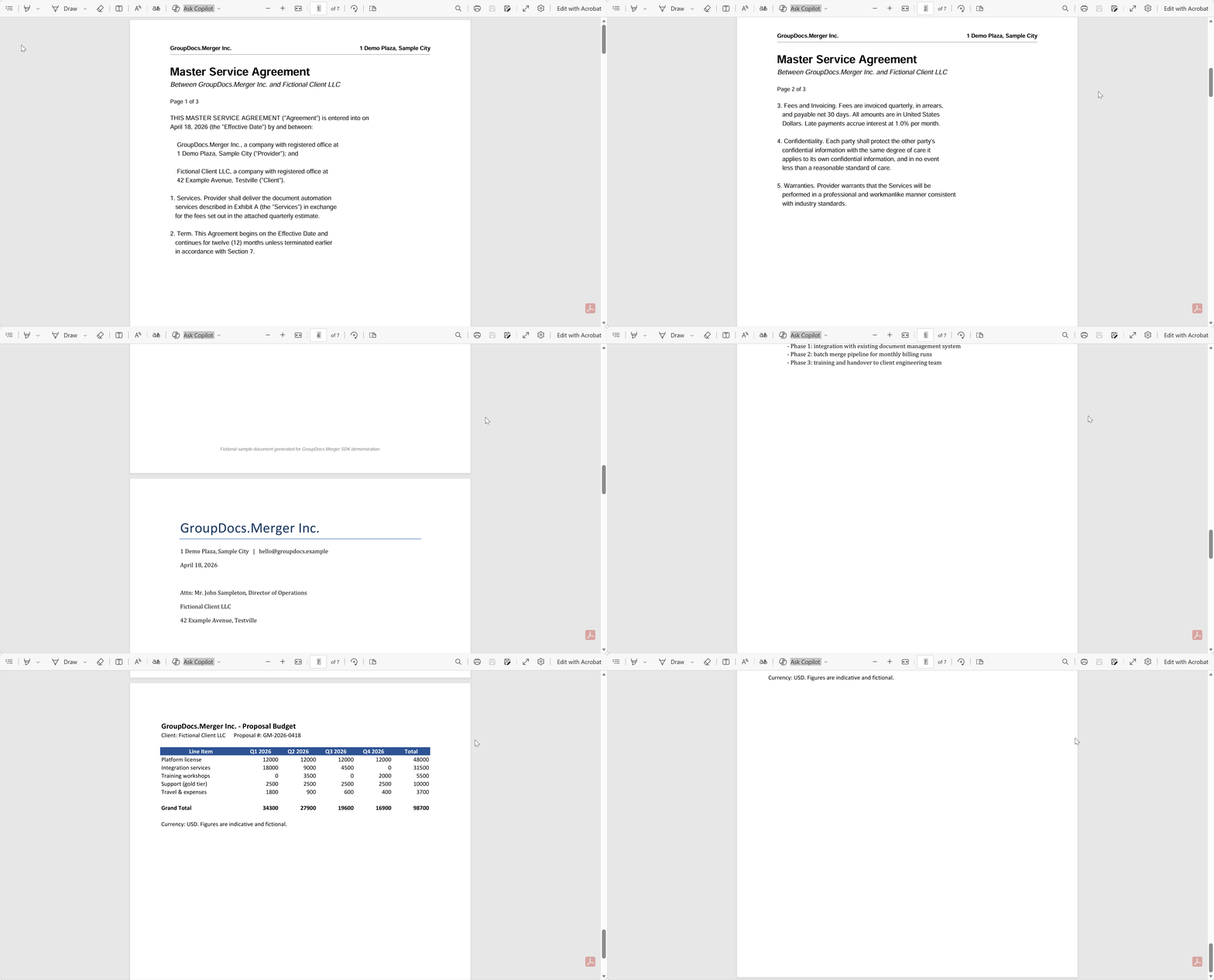
| Output | Three PDFs and a prayer | One binder, with page count you can log |
The row I care about most is the “failure” one. Manual merging fails silently; code that logs a page count fails loudly.
A real story from a tiny legal-tech team
A two-person startup I worked with had a paralegal whose morning started with contract assembly. Word agreement, Excel pricing, PDF addendum, stitched in an app, uploaded to DocuSign. About eight minutes a package, which at 30 packages a day was basically her whole morning.
They dropped the folder-scan method into the backend service that was already watching their intake email. Twenty seconds per package, plus a log line with the page count. The paralegal moved to reviewing contracts instead of assembling them. Nobody shipped a misordered binder again — not because the library is magic, but because the file list is explicit in the code and you can diff it.
string folder = @"C:\IncomingContracts";
string output = @"C:\Processed\ContractPackage.pdf";

var files = CreatePdfBinderFromFolder(folder, output);
Console.WriteLine($"Package created: {files}");
That’s the whole integration. Everything upstream (the email listener, the storage path) was already in place.
Stuff I didn’t need today but will tomorrow
The same library does a pile of things I didn’t cover because the article would drag. In roughly the order I’ve reached for them:
- Watermarks on the output for “DRAFT” stamps on pre-signature copies.
- Page rotation for scans that come in sideways.
- Custom page ordering when the source order isn’t the delivery order.
- PDF encryption for anything going to an external counterparty.
All of that lives behind the same Merger API. The docs have the full list — I just wanted to point out that “merge” is the cheap starter and the rest is available when you need it.
What I’d tell past-me
If you’re about to write your own DOCX-to-PDF step because “it’s just one method,” stop. The conversion is the part that quietly rots — new Office features, scanned-image handling, embedded fonts, the lot. Let something else own that surface, and spend your Friday afternoon on something that isn’t filename sorting.
Where to go next:
- Temporary license — required for watermark-free output
- Advanced merging options — JoinOptions, save options, compression
- Supported formats — well past the three I showed here
- Sample projects on GitHub — including this one